How to Make ASCII Art for Discord Without Broken Spacing
You have copied an impressive ASCII banner into Discord, hit Send, and watched the lines fall apart. The problem is often not the artwork itself. It is the way proportional fonts, chat bubbles, and long lines handle spaces. ASCII art depends on character positions, so changing the display width can change the picture. In this guide, you will learn to generate a compact text banner, preserve its shape in Discord, and decide when an image is safer than a large pasted block.
Understanding How To Make Ascii Art For Discord
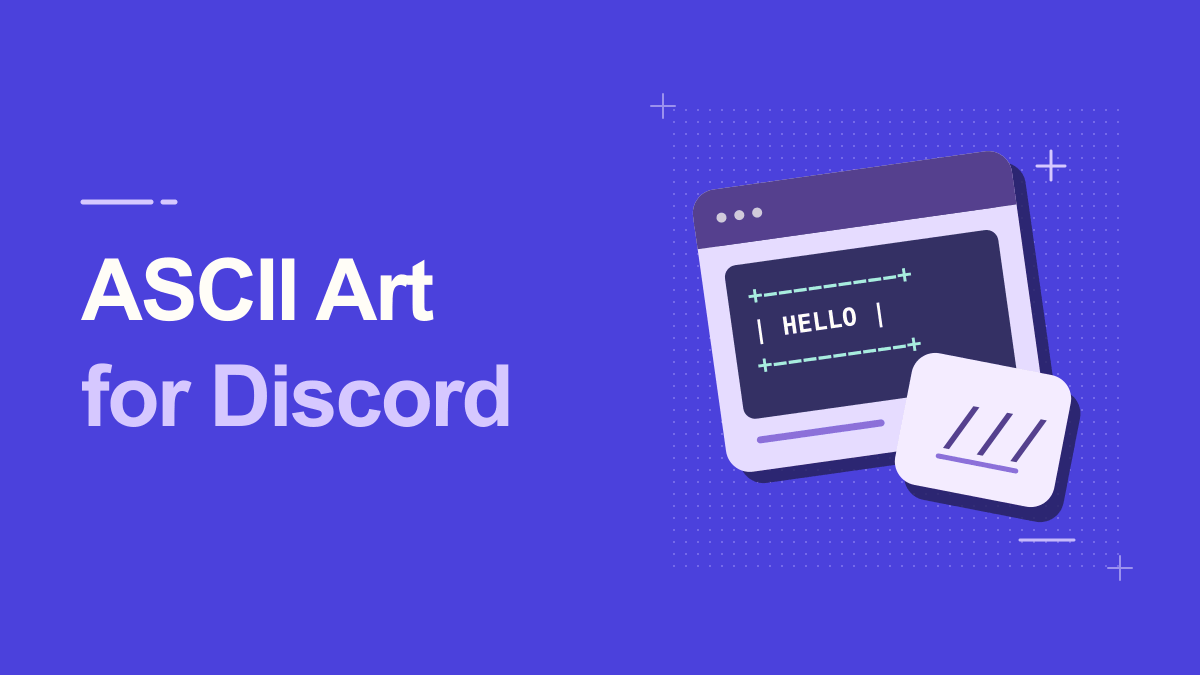
Discord supports Markdown-style code blocks, which help preserve spaces and use a fixed-width presentation. That makes them useful for text art. However, code blocks cannot force every reader's screen to have the same width, and a banner that stretches far beyond a phone screen may still be awkward. For the most reliable result, select a short word and a compact art style before using formatting tricks.
ASCII art turns ordinary characters into pictures, banners, or large letterforms. Many generators create the shapes with letters, slashes, underscores, and spaces. Because alignment depends on equal character widths, the result generally needs a monospace font and preserved line breaks. A proportional font may make an otherwise correct banner look broken.
Practical Steps for How To Make Ascii Art For Discord
1. Choose a short word or two
Text banners often expand each letter into several columns. Start with a nickname, server abbreviation, or small welcome word. If you try to write a full paragraph in a large block font, the result may become too wide to view conveniently, even with correct spacing.
2. Generate a compact banner
Open Text to ASCII Art, enter your text, and preview several font styles. Pick a narrow, simple option before experimenting with elaborate shadow or 3D effects. Use plain-character output when maximum portability matters and avoid hidden tabs that may expand unpredictably.
3. Preserve line breaks in a Discord draft
Paste the generated block into a draft surrounded by triple backticks on their own lines. Discord treats a fenced code block differently from regular prose. Check that your opening and closing fences are balanced and that the lines inside have not been altered by an editor.
A helpful way to check this step is to pause before publishing: look at the preview at actual phone size, confirm the main words are still readable, and try a plain-text version if a platform changes the characters.
4. Test desktop and mobile layouts
A code block can preserve internal spacing while still requiring horizontal scrolling on narrow screens. View the message on a phone or ask a friend to check it. If a line is too wide, regenerate with a smaller font rather than deleting random spaces manually.
5. Send art sparingly in shared channels
ASCII art can consume many lines and push active conversation out of view. Keep banners for introductions, celebrations, and channels where formatted posts are welcome. If the artwork needs a specific visual size, a screenshot may be easier for recipients to view.
Keep a copy of your original wording outside the generator. That makes it easy to revise the message, compare versions, or retry a simpler style when the destination does not support every symbol.
Practical Examples You Can Adapt
Compact welcome banner
A small two-line art style spelling 'HI' or 'WELCOME' can greet new members in a community channel. Include a normal sentence below it with links and rules; the decorative banner should not be the only place where essential information appears.
Event announcement title
Use ASCII text for a short event name, then put date, time zone, and RSVP details in normal Discord text. This combines a retro visual hook with practical readability. Try the draft on a phone before posting the final announcement.
Why How To Make Ascii Art For Discord Can Look Different
The word ASCII is often used loosely online. Strict ASCII covers a small original character set; modern 'text art' can include box-drawing symbols, Unicode blocks, or emoji. Those variants may look richer but will not necessarily render in every terminal or legacy environment. Choose a plain-character output if portability matters more than decoration.
Spaces disappear or columns drift
Use a code block and ensure the content did not pass through an editor that replaced sequences of spaces or converted tabs. Fixed-width presentation helps, but only if the original whitespace remains intact.
Banner is wider than the chat window
Code fences cannot make a sixty-column banner fit a very narrow screen. Select a compact FIGlet-style font, shorten the words, or export an image if exact appearance matters more than selectable text.
A Reliable Discord Code-Block Test
Use a small test banner before posting your finished art. Create the word 'HI' in a compact font, copy every line, and place three backticks above and below the block in a Discord draft. Check that no character is missing from the left edge. Then open the draft on a phone and see whether horizontal scrolling is required. If a two-letter test already overflows, the selected font is too wide for the space, and a longer phrase will only make the problem worse.
Code blocks preserve a monospace-style presentation, but they should not be used to hide actual instructions. Put the normal words of the banner outside the block too. If the art is a server welcome, add links and rules in ordinary text. If it is a large decorative scene, consider posting an image with an accessible description instead. The aim is a fun detail that works for community members on different devices, not a formatting trick that only looks right on one desktop.
Practical Tips for How To Make Ascii Art For Discord
Use a three-stage workflow: generate, paste as a code block, and preview on the smallest expected screen. Preserve the raw art in a local note so it can be republished without accidentally stripping spaces. For accessibility, add the banner's words as regular text. A screen reader may announce punctuation individually rather than interpreting a large letter drawn from slashes and underscores.
Preview the final block where it will be published. Markdown code fences are useful in documentation and chat applications that support them. For a terminal, inspect the result against its column width; for a narrow phone, choose a short word or compact style. Reducing width often fixes a problem that no amount of re-copying can solve.
Frequently Asked Questions
Do triple backticks preserve ASCII art in Discord?
They create a code block that generally uses a monospace presentation and preserves whitespace better than ordinary chat text. Very wide lines can still be inconvenient on phones.
How can I make a small ASCII decoration for a Discord section divider?
Start with a short row such as --- * --- and give the section an ordinary title on the next line. Use the same divider for each section so readers can recognize where a new topic starts.
When should I share a Discord ASCII banner as a PNG?
Choose Download PNG in the ASCII art tool when you need the drawing to retain its exact appearance as a graphic. Add the wording in the surrounding message if readers need to copy or search for the words.
Try It Yourself
Once you know the outcome you want, open the Ascii tool, enter a short sample, and adjust the result until it remains useful in its destination. For a related approach, read this companion guide. Try the simplest version first, then add decoration only where it improves the message.